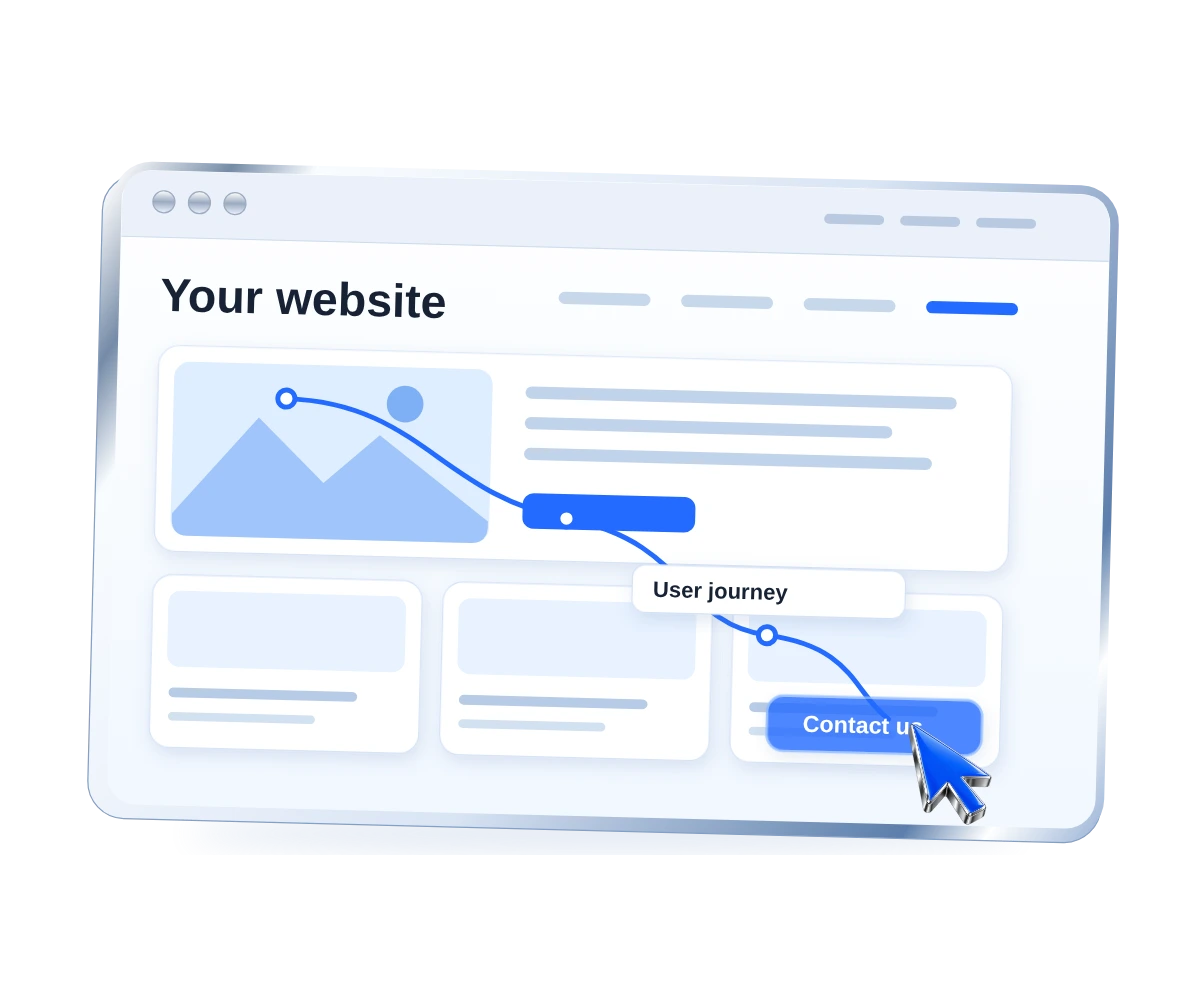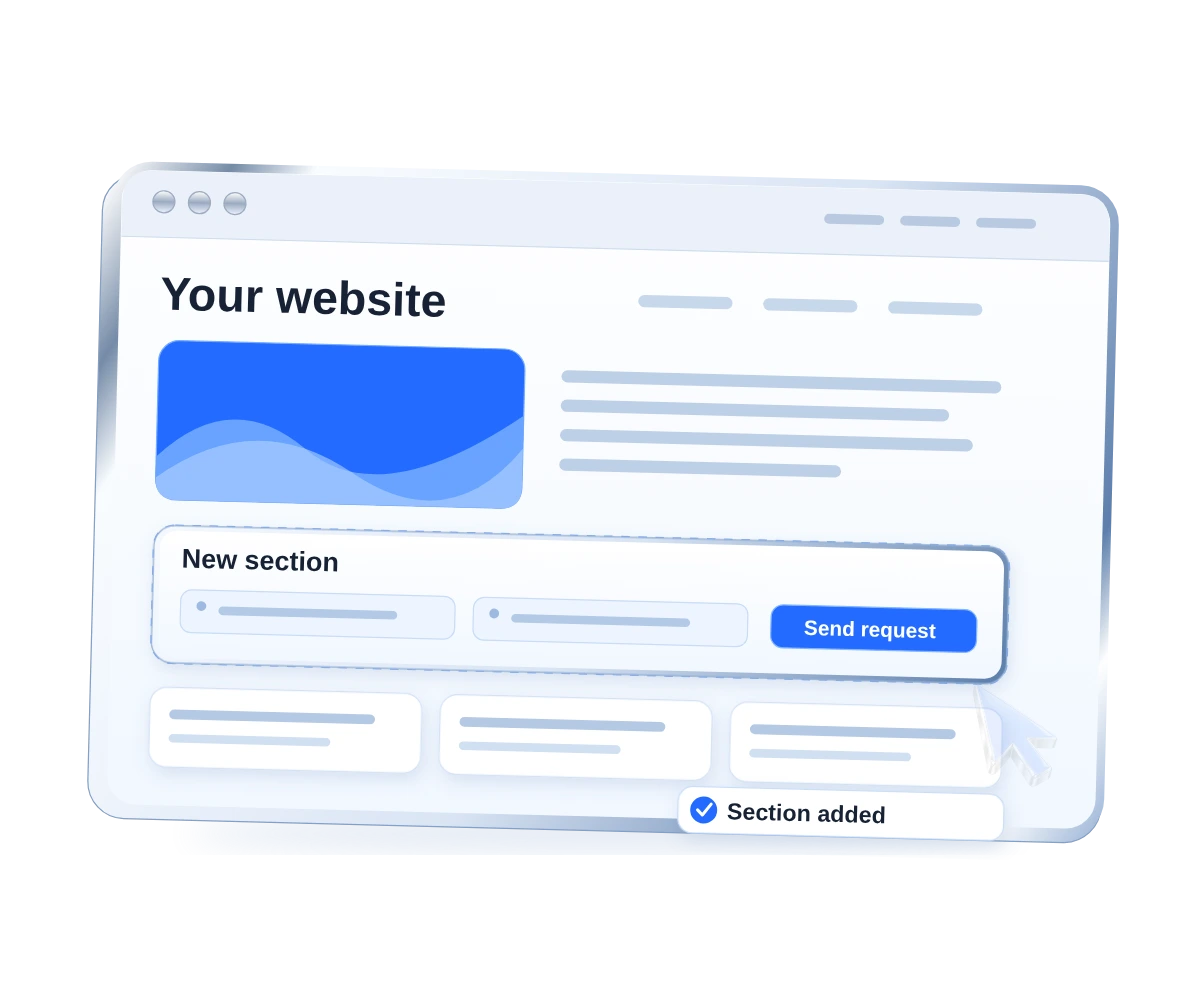
A website redesign should do more than change colors and illustrations. Navigation, mobile behavior, templates and sometimes URLs change as well. Without planning, a visual refresh can disrupt search visibility and existing conversion journeys. Here is how to update a site without unnecessarily sacrificing what already works.
When does a redesign make sense?
Outdated service architecture, weak mobile usability, difficult content management and changes in positioning are legitimate reasons to reconsider the website. But a desire to look more contemporary does not necessarily justify rebuilding everything.
Begin with evidence: which pages attract relevant visitors, which journeys are difficult and which features limit future growth? Sometimes targeted improvements solve the problem at lower risk.
Build a map of existing URLs
Export important page addresses before development begins. Mark pages with search traffic, leads and external backlinks. Do not delete valuable service, article or case-study URLs solely to simplify the new sitemap.
If an address must change, plan a redirect to the closest relevant replacement. Sending every old URL to the homepage is not a substitute for a proper migration map.
Protect useful content and metadata
New layouts may require shorter copy, but automatically removing detailed service explanations, FAQs and helpful articles can damage the usefulness of the website. Compare old and new pages for meaning, H1–H3 headings, titles, descriptions and internal links.
Commercial pages for website development and SEO should remain understandable destinations for their respective audiences.
Audit the technical foundation
A redesign may coincide with a new CMS or frontend framework. Verify server status codes, robots.txt, sitemap.xml, canonical URLs, language alternates and whether meaningful content is accessible to crawlers.
For websites using client-side navigation, check both direct page loads and internal transitions. A page that works only after a full refresh is not ready for publication.
Consider performance from the start
Large images, background video and complex animation can hurt loading speed. Set a performance budget during design and check PageSpeed before launch. Treat mobile journeys as a separate testing workstream.
Pre-launch checklist
- Existing and new URLs are mapped; redirects are verified.
- Important content and metadata are retained or deliberately improved.
- Forms, contact links and navigation work on real devices.
- Conversion tracking still records meaningful events.
- Sitemap, robots, canonicals and 404 responses are checked.
- A working backup and rollback procedure are available.
After publication, monitor indexing, crawl errors, organic visits and enquiries. A successful design review is not the same as a successful migration.
Bottom line: a well-planned website redesign improves usability and future flexibility while protecting the value already built into the site.